
How to Do a Giveaway on Tumblr: A Step-by-Step Guide
Running a giveaway on Tumblr isn't complicated, but most blogs get at least one step wrong — usually the rules, or the part where fifty people are suddenly accusing you of rigging the draw. If you're wondering how to do a giveaway on Tumblr without any of that drama, the short version is: plan the prize first, write clear rules, let entries come in through comments, and pick the winner using a method you can show, not just tell. The rest of this guide walks through each step in order, with an example post you can copy.
Giveaway or Contest? Why the Word You Use Matters
Tumblr users throw around "giveaway" and "contest" like they're the same thing, and on most fandom blogs they basically are. Technically, though, there's a difference. A giveaway asks for no skill and no payment — you reblog, you follow, you comment, and you're in. A contest asks entrants to submit something and judges pick based on merit, like a fan-art round or a caption contest. That distinction matters because a lot of countries regulate "contests" (sweepstakes) more strictly than simple giveaways, especially around disclosures and eligibility. If your Tumblr giveaway is really a skill-based contest in disguise — "draw your favorite character and the best one wins" — treat it like a contest in your rules, not a giveaway, and say clearly how winners are judged.
Before You Start: Prize, Budget, and Goal
Decide what you're giving away before you write a single word of the post. A prize that doesn't match your blog confuses people — a fandom blog giving away a $200 gift card draws entries from people who don't care about the fandom at all, which defeats the point if your goal is more engaged followers rather than just a bigger number.
Set a real budget, including shipping if the prize is physical. International shipping on a small giveaway can eat the entire budget, so plenty of hosts cap it to one country or offer a digital alternative (a gift card, a commission slot, a PDF) for entrants outside that country.
Also decide what you actually want out of this. More followers? More notes on a specific post? Feedback on new merch? The goal shapes the rules — a "follow to enter" giveaway needs a different setup than a "tag three friends" giveaway aimed at reach. If you want ideas sorted by budget and audience, the giveaway prize ideas generator will give you a shortlist based on what you type in.
Writing the Giveaway Post
Your giveaway post needs to answer five questions in the first few lines, before anyone has to click "keep reading": what's the prize, who can enter, how do they enter, when does it end, and how is the winner picked. Burying any of these further down the post is the single most common reason giveaway posts underperform — people scroll past if they can't tell what's in it for them immediately.
Here's a simple structure that works for most Tumblr giveaways:
GIVEAWAY TIME Prize: [what you're giving away, with a photo if it's physical] To enter: Reblog this post + leave a comment with [a simple prompt, like your favorite character] Must be following to win Open to: [regions, or worldwide] Ends: [exact date and time, with time zone] Winner picked and announced on [date]. Good luck, everyone!
Add a real photo of the prize if you have one — posts with an image reblog noticeably more than text-only posts on Tumblr. If the prize is digital, a simple graphic with the prize name still performs better than plain text.
Setting Clear Entry Rules
This is the step people skip, and it's the one that causes problems two weeks later when someone asks why their comment didn't count. Spell out, in the post itself or a linked rules page:
- Who's eligible (age, location, whether you need to be following)
- Exactly what counts as an entry (one comment per person, or one per reblog?)
- Whether duplicate comments or spam entries get removed
- The exact deadline, including time zone
- How and when the winner will be announced
- What happens if the winner doesn't respond within a set window
If writing all of that from scratch sounds tedious, it is — which is why most hosts use a template instead of improvising. The giveaway rules generator builds a full rules document from your prize, eligibility, and timeline in a couple of minutes, and the output is something you can paste straight onto a linked rules page or into the post's notes.
One rule worth adding by default: say that you reserve the right to remove entries that don't follow Tumblr's own community guidelines (hate speech, impersonation, and so on). It's a one-line addition that saves arguments later.
Closing Entries and Picking the Winner Fairly
Once the deadline passes, the fastest way to lose followers' trust is to pick a winner by scrolling through comments and eyeballing one. Even if you genuinely pick at random, it looks chosen, and on a public post, someone will say so.
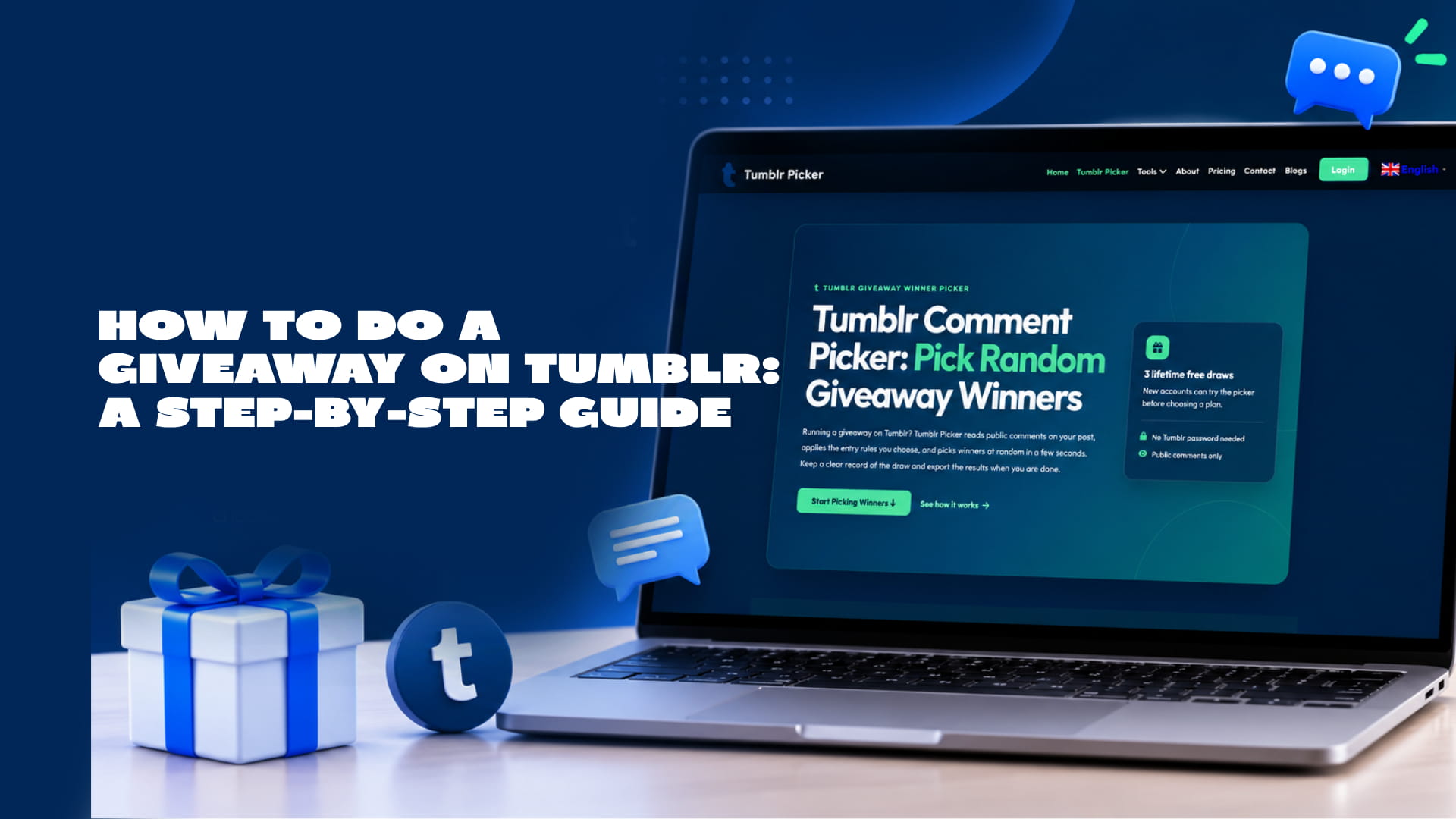
A cleaner approach is to run the comments through a tool built for exactly this, so the draw is reproducible and you can show your work. Tumblr Picker's comment picker pulls in every public comment on your post, lets you filter out duplicates or comments missing a required word, and then picks one or more winners at random from what's left. You get a record of who was eligible and who was picked, which you can screenshot or export if anyone asks how the draw worked. New accounts get three free draws to try it before deciding whether a paid plan is worth it for a blog that runs giveaways regularly — worth checking the plans page if you're planning more than a one-off.
If you're running the draw live on stream or in a Tumblr Live session, a spinning wheel reads better on camera than a list of names scrolling by. That's a separate step from picking eligible entrants, though — filter the comments first, then load only the eligible names into a wheel for the live reveal.
A quick gut check before you lock in a winner: did you actually define, in writing, how entries would be weighted? If someone commented five times and your rules didn't say "one entry per person," you've created a problem for yourself. This is exactly the kind of thing worth running through the giveaway ROI calculator afterward, too — it's a useful way to see whether the prize cost was actually worth the entries and reach you got, which tells you whether to run a bigger or smaller giveaway next time.
Announcing and Contacting the Winner
Post the announcement publicly first, tagging or linking the winner's blog if they're comfortable being named. Something simple works fine:
Our giveaway winner is @[username]! Thank you to everyone who entered — more giveaways coming soon.
Then reach out privately through Tumblr messages or an ask, since not everyone checks notifications on a post they commented on weeks earlier. Give a reasonable reply window — 48 to 72 hours is standard — and say in the original rules what happens if they don't respond (usually: pick an alternate winner). Keep that alternate-winner process the same as your original one; don't just pick whoever's convenient.
Frequently asked questions
How long should a Tumblr giveaway run?
Most fandom and small-business giveaways on Tumblr run for one to two weeks. Shorter than a week doesn't give the post time to reblog around; longer than a month and people forget they entered, which means lower response rates when you try to contact the winner.
Do I need to require a follow to enter?
No, and plenty of hosts choose not to, since Tumblr and most platforms frown on "follow-to-win" as the only entry method if you're trying to game visibility. A reblog-plus-comment structure usually performs just as well and feels less transactional.
Can I run a Tumblr giveaway without spending any money?
Yes. Digital prizes — a commission slot, a custom playlist, a shoutout, a small Ko-fi gift card — cost little or nothing and still draw real entries on fandom and creative blogs, where the audience often cares more about recognition than cash value.
What if I get entries from bots or spam accounts?
Filter them out before picking a winner rather than after. Look for accounts with no posts, no avatar, or a comment that's clearly copy-pasted across multiple giveaways, and remove them from the eligible pool before the draw rather than disqualifying a winner after the fact — that always looks worse, even if it's the right call.
Is a Tumblr giveaway the same as a sweepstakes legally?
In most places, yes — a no-purchase, no-skill giveaway is treated as a sweepstakes, which usually means you need clear rules, an end date, and no requirement to pay or buy anything to enter. Requirements vary by country and region, so this isn't legal advice; check local promotional rules if you're running anything with a prize of real value.